How to Clean Up Old Sweepstakes Tabs on Your Phone
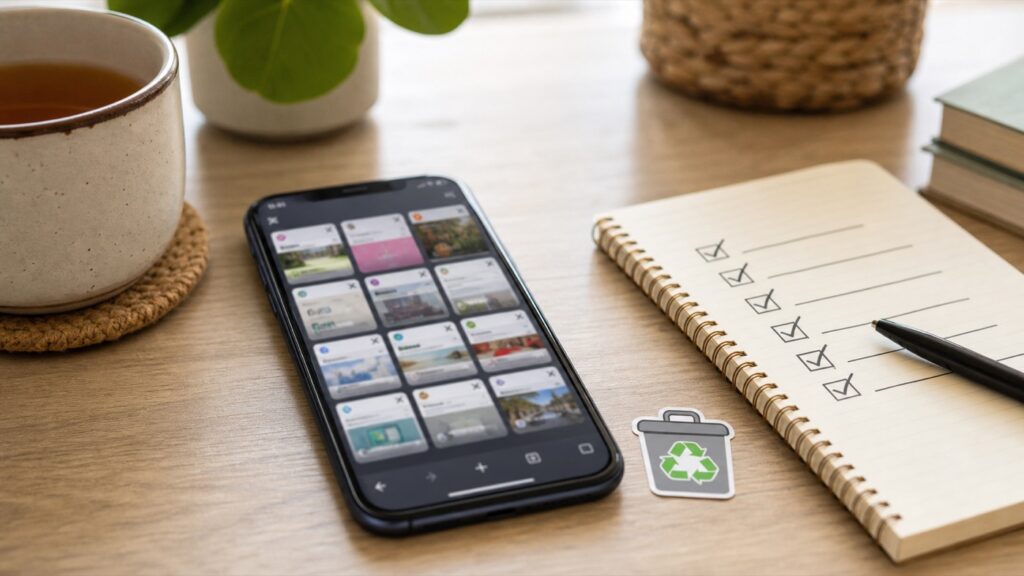
If your phone browser is packed with old sweepstakes tabs, you are not alone. Tabs pile up fast when you are saving links to check later. The problem is that old tabs make it harder to find the active offers.
Why this helps
A cleaner browser can make your phone feel faster and your freebie routine less frustrating. It also reduces the chance of entering expired promotions by mistake.
What to do
Start with obvious expired tabs
Close pages for offers that already ended, forms that say closed, and links you no longer care about.
Save active links somewhere better
If a giveaway is still worth entering, save it to a notes list, bookmark folder, or Freebie Mom page instead of leaving it open forever.
Group by action
Keep tabs only if they need action today. Everything else should be saved, entered, or closed.
Do a weekly reset
Pick one day a week to close old tabs. It takes a few minutes and keeps the browser from turning into a junk drawer.
Common mistakes to avoid
- Using open tabs as your only tracking system
- Keeping broken pages just in case
- Forgetting that social app browsers keep separate tabs
Quick checklist
- Closed expired links
- Saved active offers
- Cleared duplicates
- Checked social app browser
- Kept today-only tabs
FreebieMom tip
The best freebie habits are the ones you can repeat without stress. Use the official page when you can, save the details that matter, and skip anything that feels unclear or not worth your time.
Helpful FreebieMom pages
FAQ
Do I need a complicated system?
No. A simple note, calendar reminder, email folder, or photo album is enough if you actually use it.
Should I keep every old confirmation forever?
No. Keep important proof while an offer, prize, or product test is active, then delete what you no longer need.
Keep going