Instant Win Game Freezes: What to Try Before Giving Up
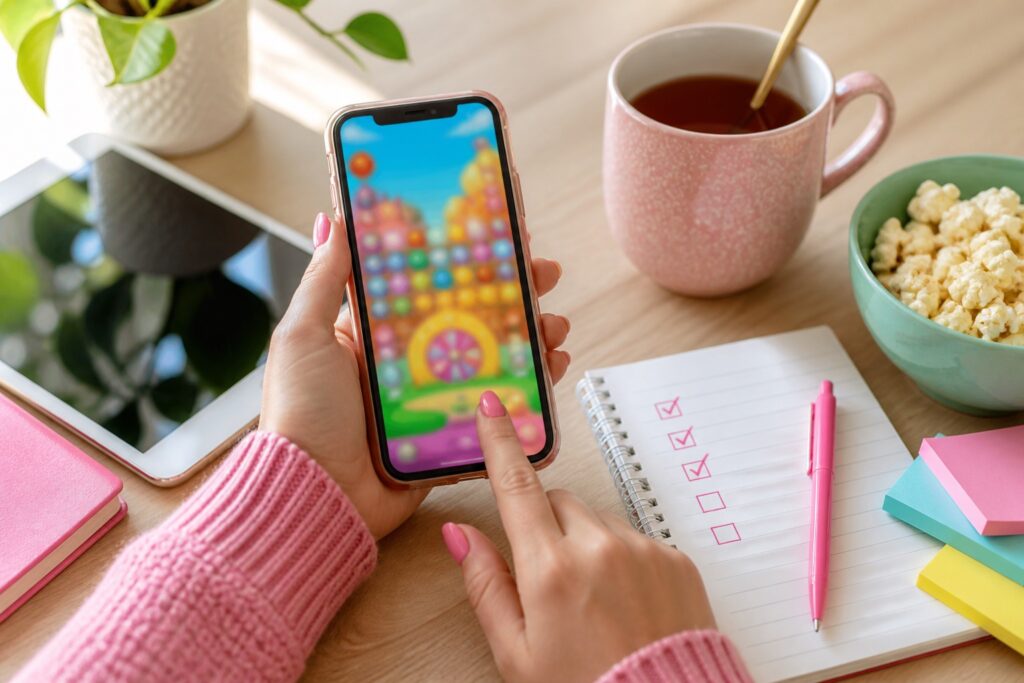
Instant win games can freeze right when you are trying to play. That is frustrating, but it does not always mean the game is broken for everyone. Mobile browsers, popups, weak connections, and old sessions can all cause problems.
Why this matters
A frozen game can sometimes be fixed without losing your place. The key is to avoid frantic tapping and try the safest steps first.
Stop tapping for a moment
Repeated taps can trigger extra popups or accidental reloads. Wait a few seconds to see whether the game catches up.
Check the browser
If you opened the game inside a social app, try opening it in your regular browser instead.
Close heavy tabs
Games, ads, and videos can use a lot of memory on older phones. Close extra tabs before trying again.
Read the play limit
Some instant win games only allow one play per day. If the game recorded your play before freezing, the rules may not allow another attempt.
Quick checklist
- Wait before tapping again
- Try regular browser
- Close extra tabs
- Check daily play limit
- Take a screenshot if you won
Helpful next step
If this comes up while you are entering giveaways or claiming freebies, slow down, check the official page, and save the details that matter. A few extra seconds can prevent wasted time later.
Related on Freebie Mom:
Instant Win Games | Freebie Mom Help
FAQ
Should I skip the offer if something feels confusing?
Sometimes, yes. If the official page does not explain the rules, cost, deadline, or sponsor clearly, it is okay to move on to a cleaner opportunity.
Is this only for sweepstakes?
No. The same habits help with freebies, samples, instant win games, rewards, and giveaway claim forms.
Keep going