Nursery Technology Budget: Device Costs, Compatibility and Privacy
- Prize
- One Owlet Dream Sock; official giveaway caption does not state a retail value
- Ends
- November 6, 2026 at 11:59 PM ET
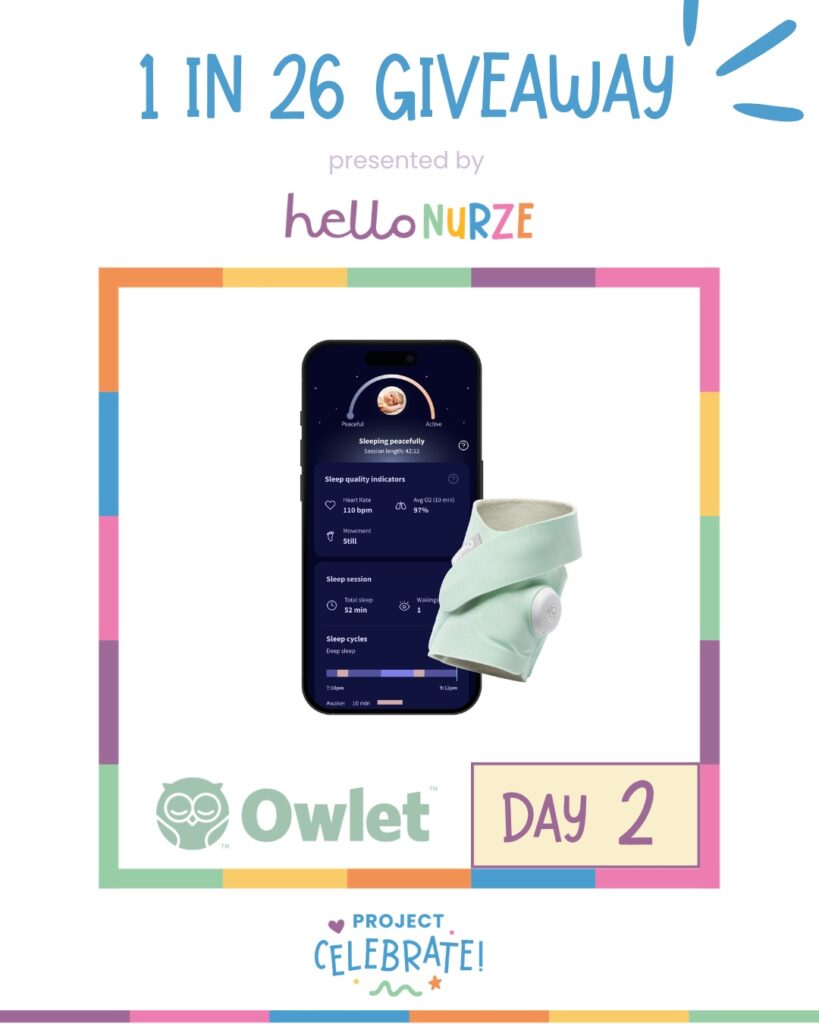
Wanna winan Owlet Dream Sock?
One Owlet Dream Sock; official giveaway caption does not state a retail value. U.S., 18+; one Instagram entry per person.
Giveaway details + how to enter
Nursery technology purchases are easier to evaluate when the household separates a device’s intended use from optional features and ongoing costs. An app, connection or accessory may create requirements that are not obvious in a product photograph. This guide offers a practical checklist for comparing equipment, reviewing privacy settings and keeping records. The Hello Nurze Owlet giveaway is described in the entry boxes. Product-specific health questions should be discussed with the child’s clinician and the manufacturer’s current instructions.
Define what the household needs the equipment to do
Write a short list of practical goals before comparing devices. A household may want an audio connection, video viewing, room information or a particular monitoring function. These are different capabilities and should not be treated as interchangeable. Read the manufacturer’s intended use, compatibility requirements and limitations for the exact model. A product’s broad description does not establish that it is suitable for every child, age or health circumstance.
For devices that measure or report health information, confirm the appropriate use with the child’s clinician and the current manufacturer guidance. The FDA’s infant-monitor guidance explains that available baby products have not been shown to prevent SIDS. Do not treat a consumer purchase as a replacement for appropriate care, supervision or established safe-sleep practices. Keep these decisions separate from a comparison of app features or a promotional offer.
Consider the people who will use the equipment. Record which caregivers need access, whether they have compatible phones and how information will be shared. A device that fits one person’s routine may be less convenient for another. Discuss ordinary tasks such as charging, checking setup and contacting support. The useful goal is a system the household can understand and operate according to its instructions, rather than the longest possible feature list.
Compare hardware, accessories and ongoing charges
List everything needed to use the device as intended. This may include the main unit, a compatible phone, a base or receiver and manufacturer-approved accessories. Check which parts are included and which must be purchased separately. Record compatibility using the exact model and app requirements. A product with a familiar brand name may still have different requirements from an earlier version or a different bundle sold by the same retailer.
Read the terms for any optional subscription or cloud feature. Identify which functions work without it, what the recurring charge is and how cancellation or renewal is handled. Keep a free trial’s end date visible if one is offered. Avoid assuming that an advertised feature will remain available without an ongoing cost. The complete budget should distinguish the one-time purchase from expenses that continue after the first month.
Include delivery, replacement parts and the practical cost of maintaining the setup. Ask about warranty coverage, return terms and support for the specific model. Keep a copy of the policy that applies to the purchase. A lower initial price can be less useful if a necessary accessory is missing or an incompatible phone must be replaced. Compare complete working setups using current information, and leave uncertain costs marked for follow-up before ordering.
Check what happens if the equipment is shared between homes or used while travelling. Compatibility, account access and connection requirements may differ from the primary setup. Confirm these details with the manufacturer before planning around the device. Add only the appropriate accessories and services to the budget, and keep the intended-use instructions as the reference for any change in routine.
Review privacy, account access and support settings
For equipment connected to the internet, review the manufacturer’s security and privacy information before setup. Use a unique account password and available account protections. The FTC’s connected-camera guidance is useful when evaluating video devices and remote access. It discusses security considerations for cameras, including baby monitors. Apply the instructions appropriate to the actual product rather than assuming every device stores or transmits information in the same way.
Decide who needs account access and which permissions are necessary. Avoid sharing a primary login broadly when a product offers a more appropriate caregiver-access feature. Check what happens when access should be removed or a phone is replaced. Review update instructions and support information through the manufacturer’s official channels. A clear account routine can make ordinary household changes easier to manage without leaving outdated permissions or uncertain settings in place.
Consider where equipment will be located and follow the manufacturer’s installation and placement requirements. Keep cords and accessories handled according to the applicable safety instructions. Do not improvise a mounting method or accessory simply because it appears in an unrelated online photograph. If a question concerns safe placement or the child’s needs, ask the appropriate professional or manufacturer. The budgeting task is to account for a suitable setup, not to invent a shortcut that changes the product’s intended use.
Keep the setup manageable after the purchase
Save the purchase receipt, model information, warranty and manufacturer instructions together. Record the official support contact and any relevant account details securely. This can make troubleshooting more straightforward if the equipment is replaced, the app changes or a caregiver needs help. Keep sensitive information out of openly shared household notes. A practical record contains enough detail to identify the product without unnecessarily exposing private account or health information.
Create a short routine for charging, updates and checks described in the product instructions. Assign tasks clearly when several caregivers are involved. If the equipment does not work as expected, use the manufacturer’s support process and appropriate clinical guidance rather than relying on unverified explanations from a social post. An alert or displayed value should be handled according to the device’s directions and the child’s care instructions, not interpreted from a budgeting article.
Review whether the equipment continues to meet the manufacturer’s eligibility and compatibility conditions as the household’s needs change. Follow the current instructions for cleaning, transfer, disposal or ending use. The best nursery technology budget accounts for the whole ownership experience: an appropriate purpose, a complete setup, manageable recurring costs and clear support. Those checks help the household make an informed purchase without confusing more technology with a guaranteed health or safety outcome.
Hello Nurze × Owlet Dream Sock Giveawayan Owlet Dream Sock?
One Owlet Dream Sock; official giveaway caption does not state a retail value. U.S., 18+; one Instagram entry per person.
How to enter without a purchase
- Use the final button to open this specific official Instagram giveaway post. This drawing is separate from the campaign’s other daily giveaways.
- Follow @hellonurze and @owletcare, and like the giveaway post.
- Comment with what winning would mean to you and tag another family in your comment. You do not need to share private medical details. Submit one entry per person before the stated deadline.
- If selected, reply only to the verified official campaign contact and follow the sponsor’s claim instructions. An entry is a chance to win, not a guaranteed product.
Claim post tickets once per article per day. Resets at midnight Eastern.
Your official giveaway entry
Open the official post below, then complete every required entry step in its caption.
ENTER HEREOpen the official post, then follow the caption’s required entry steps.
Official rules · Sponsor rules control. Checked November 4, 2026.
Find more chances in our sweepstakes portal.
Keep going