Embrace the Spirit of Giving: Sharing School Wish Lists for Donations on FreebieMom
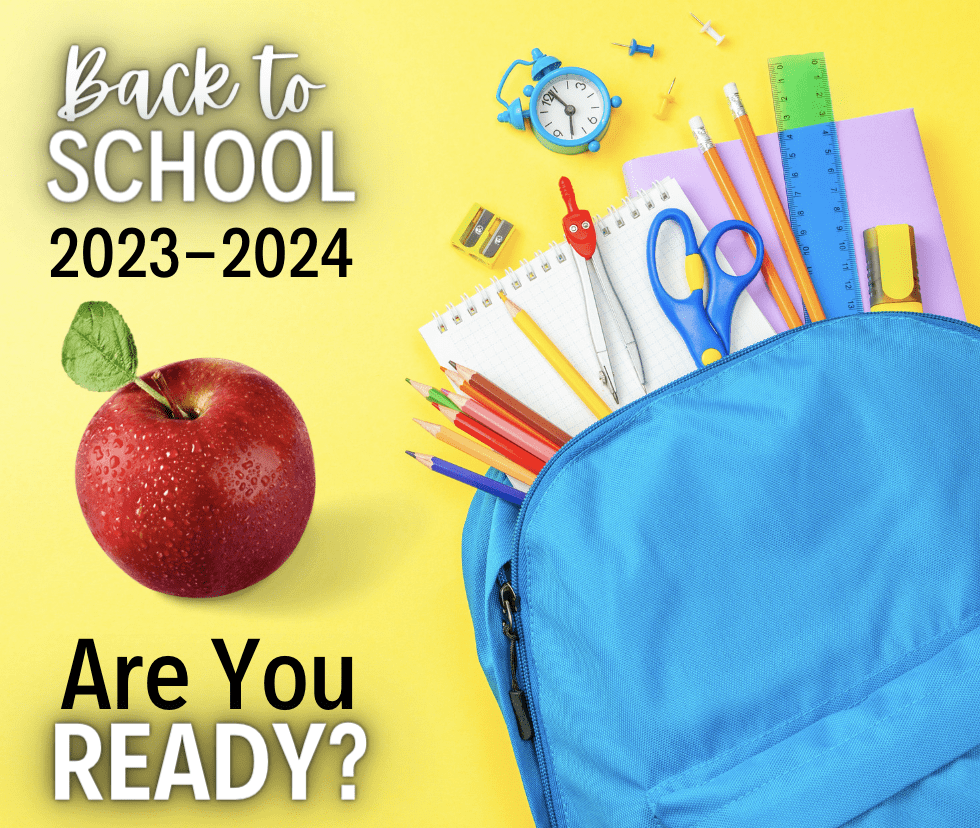
Greetings, fellow parents and educators! As we gear up for the back-to-school season, I am excited to present a heartwarming concept that fosters a sense of community and support. ! I understand that preparing for the new school year can be financially challenging for many families. Thanks to the thoughtful suggestion of one of our grandma’s in the group, I have come up with a wonderful idea: creating and sharing school wish lists on platforms like Amazon and Walmart. This initiative not only lightens the load for parents but also allows those with the means to give back and make a positive impact.
IF YOU ARE GOING TO PARTICIPATE PLEASE MAKE SURE YOU SHARE THE FACEBOOK POST HERE
Step 1: Opt for the Perfect Platform
Select a platform that supports wish lists. FreebieMom recommends trusted options like Amazon and Walmart, both of which offer user-friendly wish list features. No cashapp, let’s be for real, there are so many people that scam! It would be easy for a scammer to pretend they are a parent and ask for donations. So let’s stick with REAL ITEMS on a wishlist specifically for children and teachers (this can also be homeschooled children).
Step 2: Crafting Your Wish List
- Log In or Sign Up: If you’re new to the chosen platform, create an account. If you’re already a member, log in.
- Find the Wish List Section: On Amazon, look for it under “Accounts & Lists.” On Walmart, it’s often found within the “Lists” section.
- Building Your List: Start exploring the virtual aisles for your back-to-school essentials. Think school supplies, trendy clothing, comfy backpacks, cool sneakers – the works! Click “Add to Wish List” for each item you’d like.
- Priority and Order: Arrange your items in order of priority. This guides potential donors and shows what matters most. Feel free to add brief notes to each item.
Step 3: Sharing the Love
- Adjusting Privacy Settings: Set your wish list’s privacy settings. Public lists are easier for donors to find and contribute to.
- Get the Shareable Link: Grab the link to your wish list and post it HERE on my facebook post once you finish, SHARE the post to your own Facebook.
- Facebook Sharing: Want to make your comment stand out?
- Compose a Heartfelt Post: Craft a warm post explaining the purpose of your wish list. Share who it benefits and how people can join in.
- Include the Wish List Link: Insert the link directly or use a link shortening service.
- Add Visual Flair: Attach images of some wishlist items. The kiddos.. anything really! A picture truly is worth a thousand words.
- Sharing: Make sure you share my post!!!
- Stay Engaged: Keep an eye on post comments and messages, and respond promptly.
- Celebrate Progress: Share updates about items that have been purchased!
Conclusion
I am all about creating connections and making a difference. Crafting and sharing school wish lists for donations exemplifies the essence of community support. Whether you’re a parent wanting to lend a hand or a teacher looking to brighten your students’ lives, this initiative is a beacon of unity and kindness. By embracing these steps, your involvement goes beyond individual efforts, transforming your journey into a collective endeavor that positively impacts lives during the back-to-school hustle and bustle.
Keep going