Free Dunkin Coffee: Use DUNKINRUNSONDOOM in the App
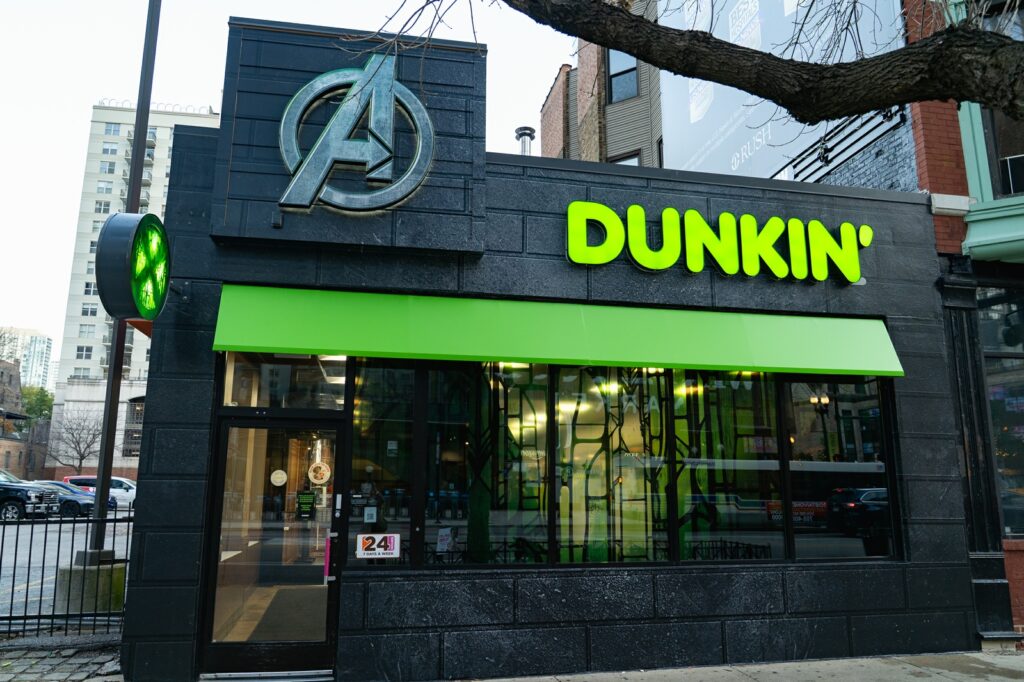
☕ A coffee code for your next Dunkin’ run! Try DUNKINRUNSONDOOM in the Dunkin’ app to add the free coffee offer to your account.
Free Dunkin’ Coffee App Code
Open your Dunkin’ app and enter this code in the offer-code field:
DUNKINRUNSONDOOMPress and hold the code to copy it.Already have the app? Open it directly and look under Rewards or Offers. The button opens Dunkin’s official app download page.
How to use DUNKINRUNSONDOOM
- Open the Dunkin’ app and sign in. Use your own Dunkin’ Rewards account.
- Find the offer-code field. Look in Rewards or Offers, then enter DUNKINRUNSONDOOM without spaces.
- Check the added coffee reward. Read its details for the qualifying drink, size, use-by date and any purchase requirement.
- Apply the offer before checkout. Confirm that the reward is reflected in your order total before placing an order.
What coffee can you get?
Choose a coffee covered by the reward in your app. Check the size, permitted customizations, any purchase requirement and the use-by date before you order.
What if the code does not work?
Double-check the spelling and make sure you are signed in. Look in your existing offers to see whether it was already added. Availability can change, so only plan on using the offer once it appears in your account.
Code again: DUNKINRUNSONDOOM
Looking for more food finds? Browse Freebie Mom’s free food offers.
Code shared with Freebie Mom on November 18, 2026. The offer in your Dunkin’ app controls availability and redemption terms.
Keep going