Lowe’s $20 Offer: New App Download + Brand-New Account
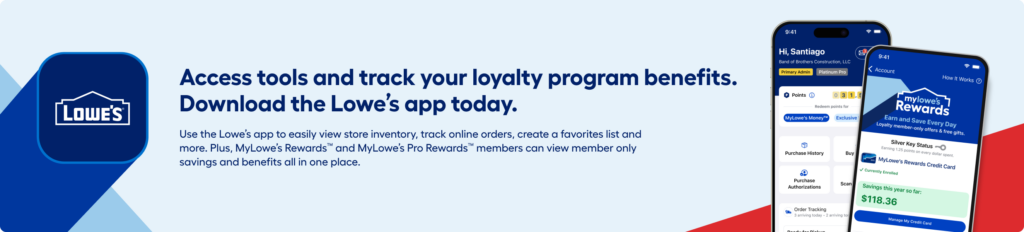
NEW Lowe’s app download? Don’t miss this offer! Freebie Mom received $20 in Lowe’s Money after a new app download and creating a brand-new account. This is the signup process to follow—not simply opening an existing app and checking its Wallet.
How to try the Lowe’s $20 new-account offer
- Use the button below to open Lowe’s official app-download page.
- Download the Lowe’s app as a NEW download for iPhone or Android.
- Create a brand-new MyLowe’s account in the app. Freebie Mom received $20 after completing this new-download and new-account process.
- Check your new account’s Wallet for the credit and read the offer’s activation instructions, expiration, exclusions and any purchase requirements before using it.
Offer note: The $20 amount is Freebie Mom’s own experience, not a promise that every signup qualifies. Follow the terms shown in your account. Reinstalling an existing app has not been verified as qualifying.
Lowe’s Money is a shopping reward, not cash. Check the final total for taxes, shipping or other charges before placing an order.
Affiliate disclosure: Freebie Mom may earn a commission from qualifying purchases through the link below, at no extra cost to you.
Updated October 15, 2026 with Freebie Mom’s new-download and new-account clarification. The $20 offer is based on Freebie Mom’s account experience. Official information: Lowe’s app page and MyLowe’s Rewards. Image: Lowe’s official app artwork.
Keep going